
Article sections
The plug-in is designed to collect survey data. Under the menu item “Statistics” the list of all the statistics of the active surveys is displayed.
If a survey is suspended, this table will show the suspended survey wording.
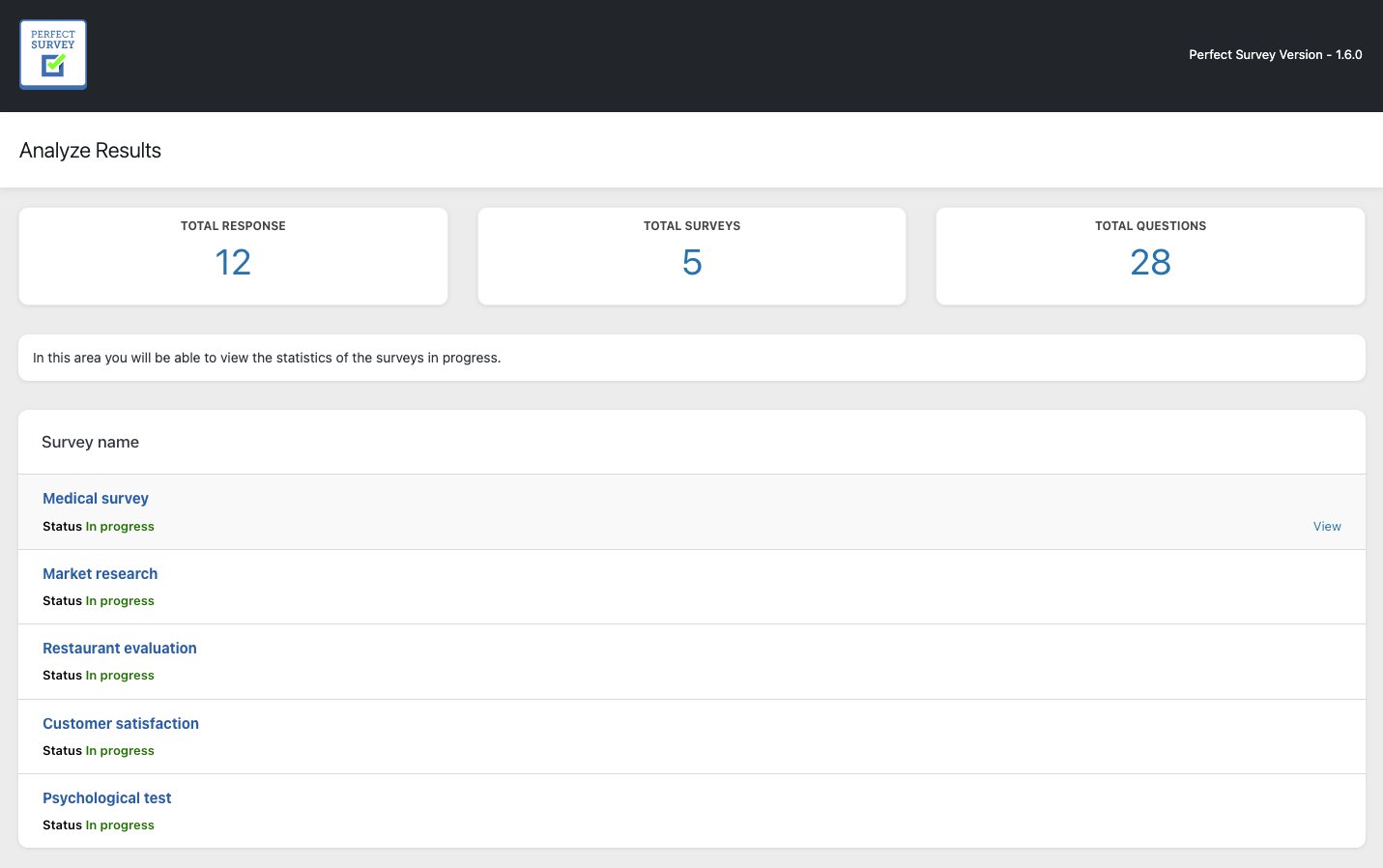
In the last table below, you can view the statistics for each user. Very useful for finding out who writes what.
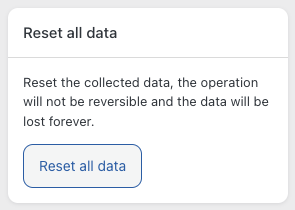
Thanks to the release of the new version (version 1.3) it is possible to delete all the data of a survey. This operation will not be reversible and the data will be lost forever. This box is in the right sidebar in single statistics page.
in Statistics
Related Articles
14 Comments
Leave A Comment
August 19, 2021 at 7:07 pm
Hello, is it possible to hide in the frontend statistics, some sensitive text fields such as the name, email …?
May 4, 2021 at 1:18 pm
Can I get statistics data through some code PHP so I can use it for some pie chart animations?
June 10, 2021 at 1:12 pm
Dear Rob, a previous version involved the use of pie charts, these functions have been eliminated to lighten the structure.
May 4, 2021 at 1:17 pm
Can I get data through some code so I can you it with some pie chart animations?
June 10, 2021 at 1:12 pm
Dear Rob, a previous version involved the use of pie charts, these functions have been eliminated to lighten the structure.
September 23, 2020 at 11:37 am
Hi there how does one turn off/stop a survey without losing the stats? We tried unpublishing it but it removed the stats until the survey was published again.
October 20, 2020 at 9:33 am
Dear Brett,
You can simply remove the shortcode from the page or widget, or draft the page or article hosting the survey.
Best,
Perfect Survey Team
November 2, 2020 at 2:30 pm
Hello, it would be enough to draft the article that contains the survey.
Best,
Perfect Survey Team
September 17, 2020 at 8:03 am
Hi,
is it possible, to limit votings per user/IP? Currently a single user can vote several times…
September 23, 2020 at 8:21 am
Hi David,
still no, the regulation is done only through cookies.
Best,
Perfect Survey Team
June 22, 2020 at 10:18 am
Hello,
how to anonymize survey ?
July 6, 2020 at 11:01 am
Dear user,
a new version of our plug-in will soon be released with the possibility of anonymizing the users IP.
Stay connected,
Perfect Survey Team
May 25, 2020 at 9:09 am
“In the last table below, you can view the statistics for each user. Very useful for finding out who writes what.”
As per above statement, how can we define the user ?
May 25, 2020 at 9:14 am
Hello Kishon,
with the user’s session, which is a unique code, if the user is registered, the username of the person who carried out the survey will appear.
To view the statistics of each individual user, simply click on the single record in the table.
Best,
Perfect Survey Team