
Article sections
Once the plugin is installed, some features will be added to your WordPress.
The plugin adding a menu called Survey that contains four pages and one little tool in the editor of the pages and articles helpful to insert a survey shortcode.
The pages are:
- Survey
- Statistics
- About
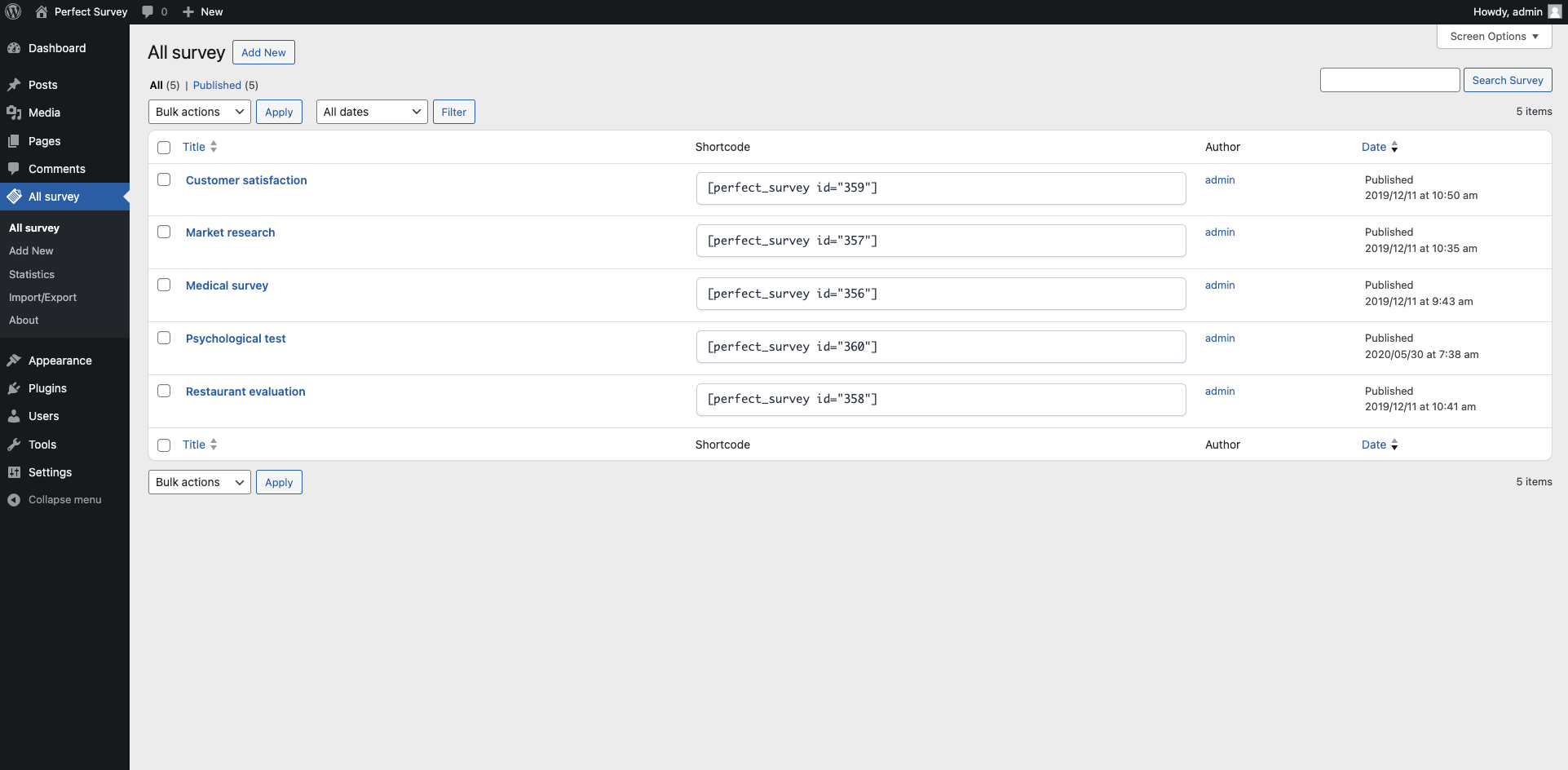
Survey
This page is the core of the plugin. In this area you can create and manage your surveys.
Statistics
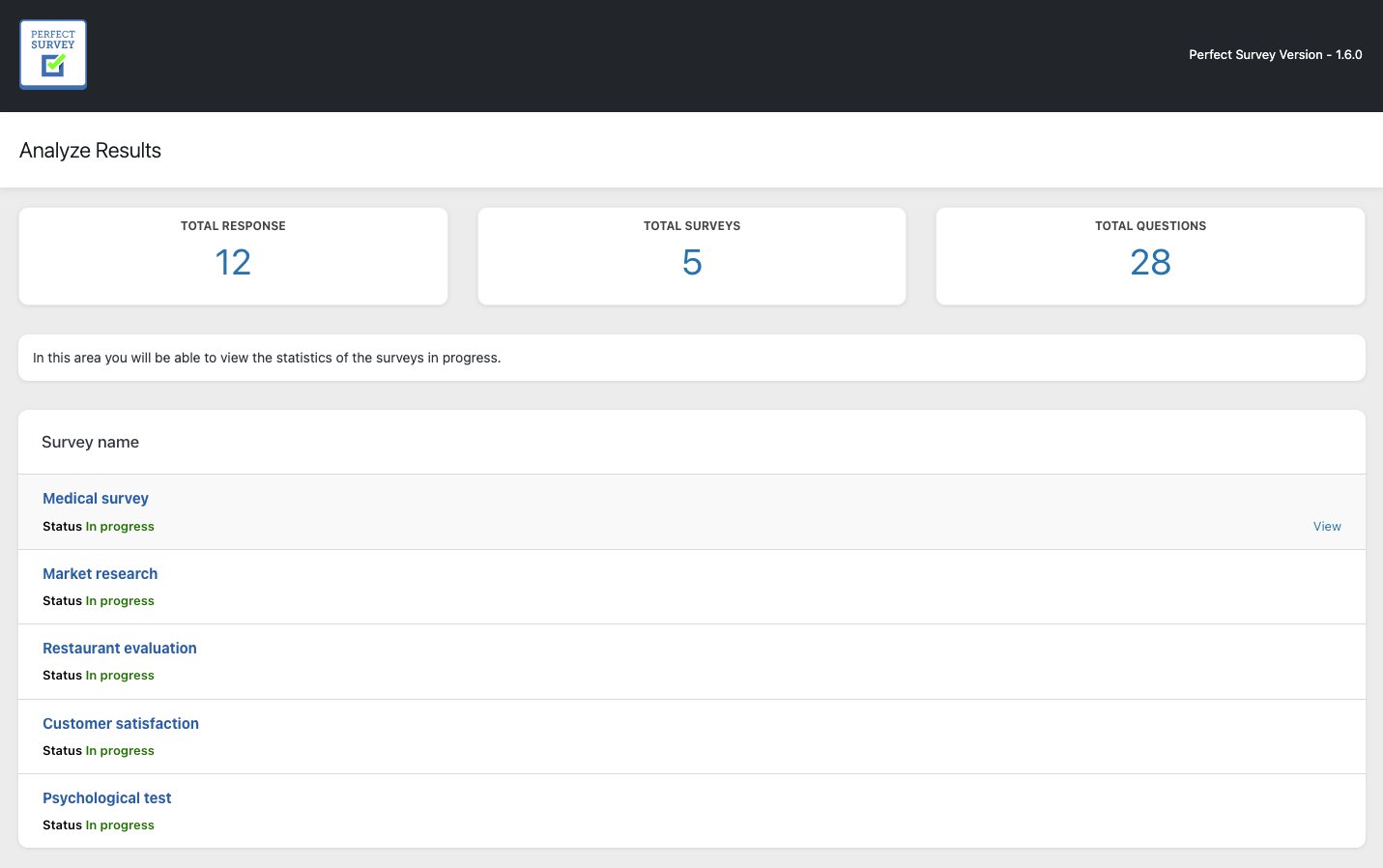
The statistics page is used to check and display the statistics for each survey that has been created and activated.
About
This page is a little summary for contact as if you need a support
Shortcode Tool (Old Classic Editor)
The plugin adds a small function in the editor of pages and articles to easily add code in the contents. If you don’t have a surveys you can see a simple button need to create new survey.
If you have at least one survey or more, you see a select box and you can choose the survey to insert.
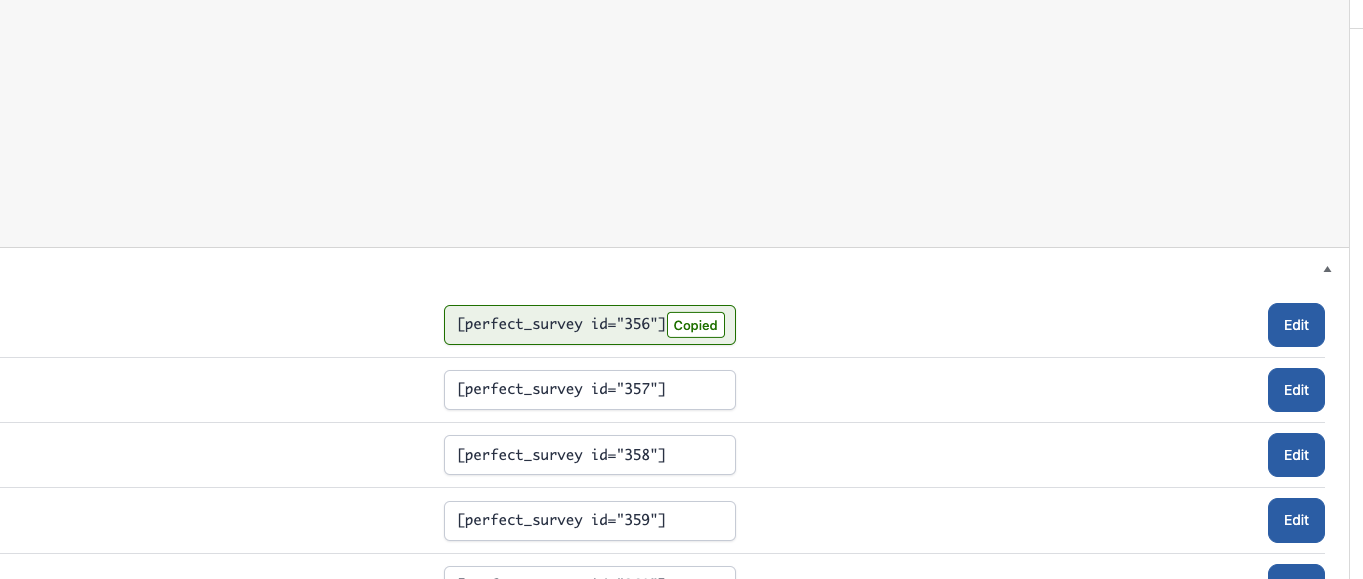
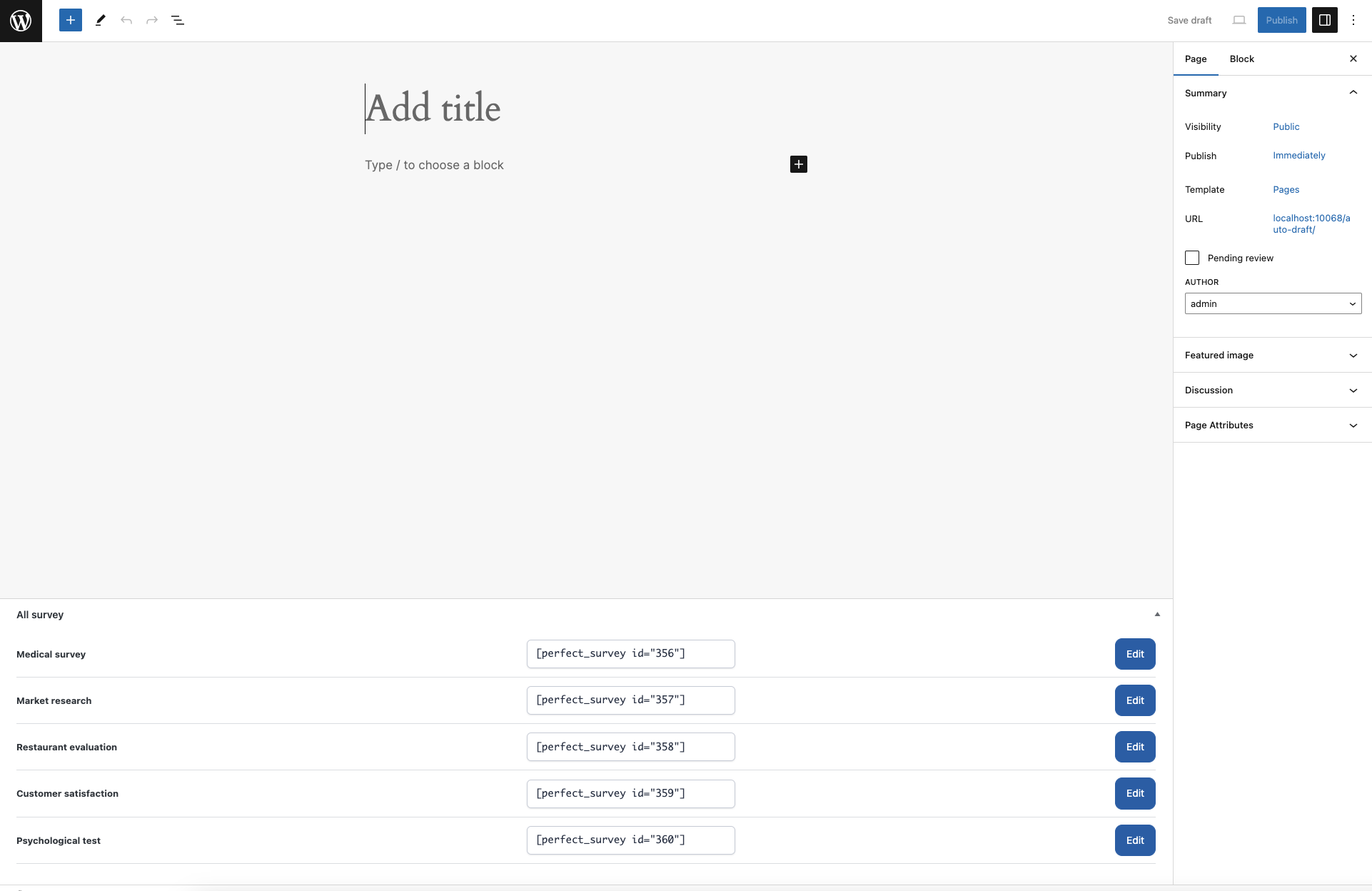
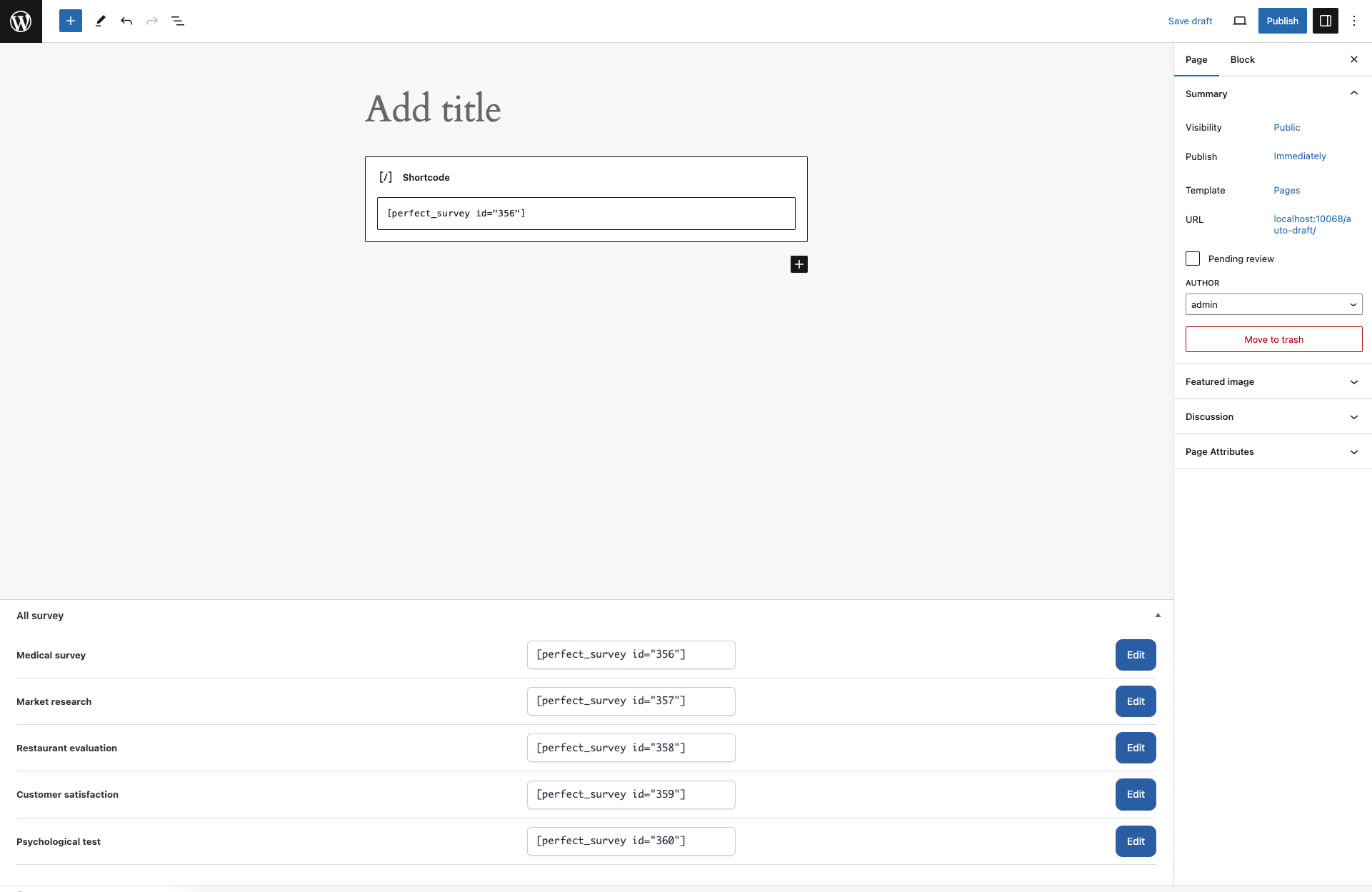 Whit your new WordPress editor can select your survey from table.
Always updated about your statistics
With our current version, in WordPress home page dashboard, you can see all activity about your statistics. You can analyze the results of your questions and you can:
- Go to the statistics page (with withe button)
- Create new survey with blue button.
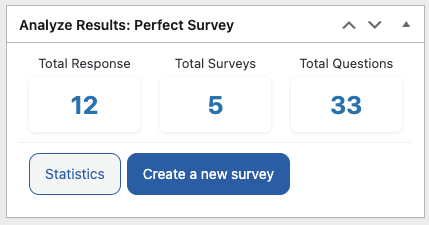
Perfect Survey, you can use it for: market surveys, understand the satisfaction of your customers for products, services, understand what you like and what is not the best way to improve your business.
Related Articles
4 Comments
Leave A Comment
July 20, 2021 at 5:40 am
Hi,
great plugin, installation was simple and plugin was usable straight off the bat.
Question: How do I add pages i.e. set of questions per page?
August 11, 2021 at 11:14 am
Hello, thanks,
is point three of this page:
Show survey: by selecting “Complete” you will see listed all the questions together one below the other, by selecting “One question at a time” you will see a single question at a time with a “Next” button to go through all questions.
Best,
Perfect Survey Team
July 3, 2020 at 7:25 pm
hello I hope you are very well, I am testing your plugin on a website and I would like to know if there is a way to return to the previous question since I cannot find the form. Thank you very much and I look forward to your reply soon.
July 6, 2020 at 11:03 am
Dear user,
it is not possible to go back to the questions,
because the sending of the data takes place at each sending.
We are planning to include this change in future versions.
See you soon,
Perfect Survey Team